
Printable weekly planner

Choose a week, fill in your daily tasks, then print on A4 or save the sheet as a PDF. Leave the spaces blank for a dated planner you can fill in by hand.

My weekly plan

Monday to Sunday

Your browser saves a separate draft for each week.

How do I fill in the planner on my phone and print just the sheet?

Choose a week, enter your tasks and tap “Print / save PDF”. KIPRI prepares a sheet with the dates and your entries. The site menu, editing controls and this guide are hidden in print.

  1. Pick any date in the week you want. The planner shows that Monday through Sunday.
  2. Tap the space under a day and enter a task. Use “Weekly priorities” for the outcome you want by the end of the week.
  3. Tap the print button above the sheet. In the print dialog, choose A4 and check that your entries fit. Send the sheet to a printer or save a PDF if your phone offers that option.

One week on screen and on paper

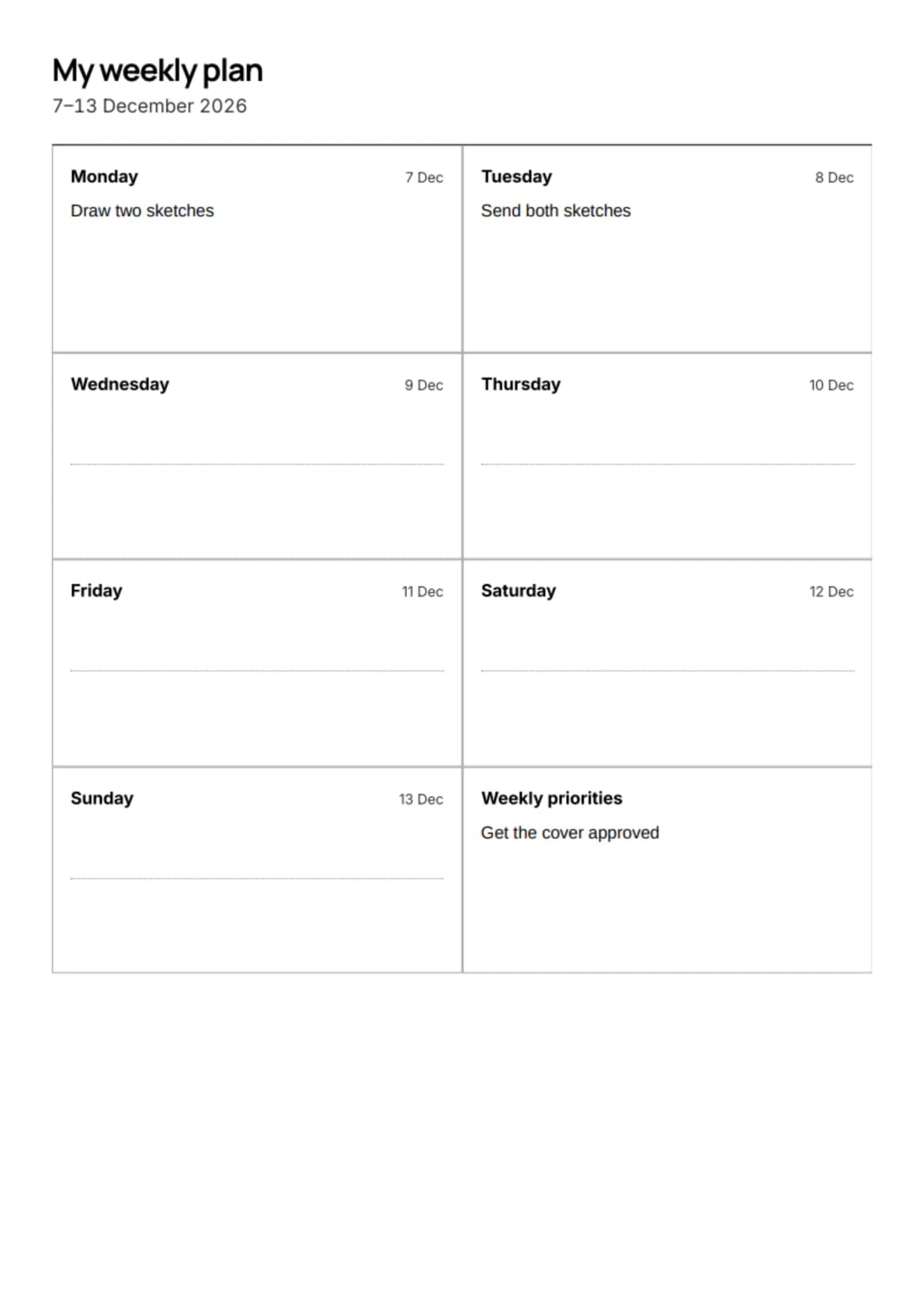
We filled in December 7–13, 2026. Monday is for drawing two sketches and Tuesday is for sending them. Getting the cover approved is the week’s priority. The PDF fits these entries on one A4 page.
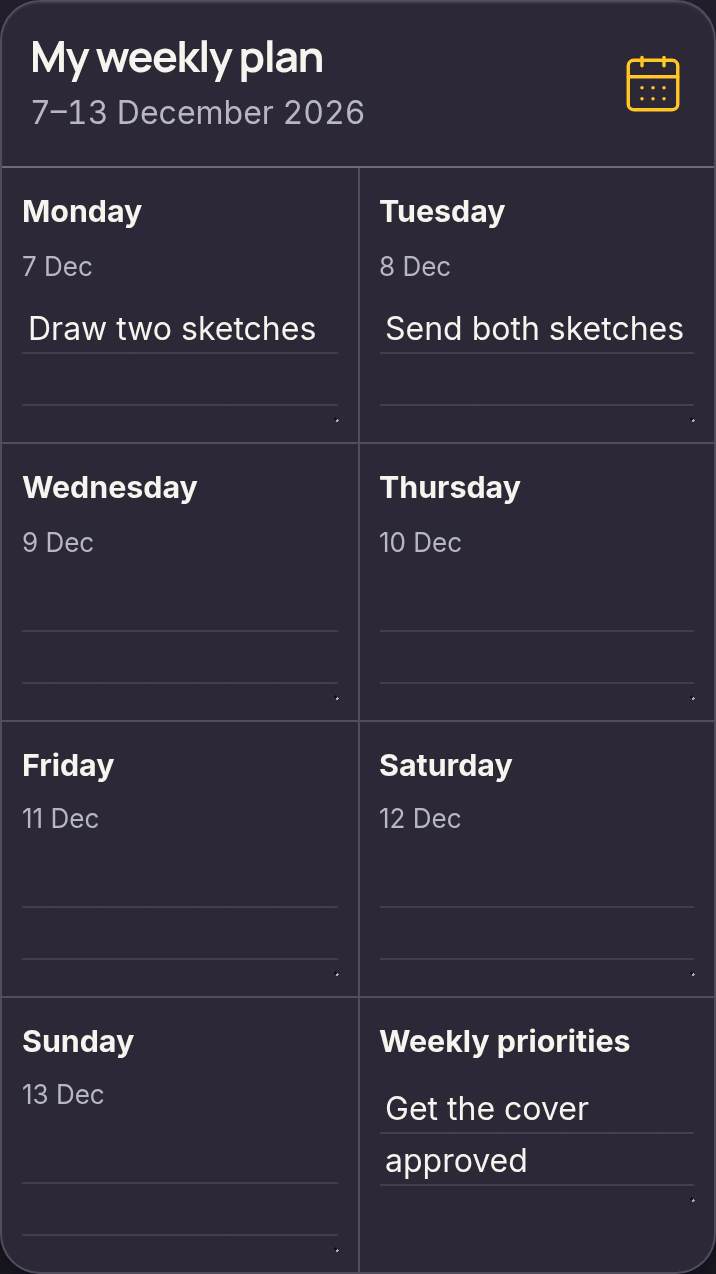
Enlarge the mobile planner showing the sketch tasks on Monday and Tuesday
The filled-in mobile planner
Open the A4 PDF with the same tasks and weekly priority
The same plan as a PDF