
KIPRI Assistant For Android
KIPRI, a task planner with voice reminders
Out for a walk when you remember you need to call Mom tomorrow? Tell Kipri and put your phone back in your pocket.

Voice reminders
From a spoken reminder to a phone call
“Remind me to call Mom tomorrow at nine.”
Kipri saves the task and the time. If you need a few minutes to wrap something up before the call, set an earlier alert.
What can I use in KIPRI offline and without an account?
You can manage tasks, notes, habits and birthdays on your phone. Dictation depends on Android’s offline speech recognition. Sharing entries between your devices requires an account and an internet connection.
| Feature | Without an account | Without internet |
|---|---|---|
| Tasks and notes | Yes | Add a task or write a note. You can open the entry again the next time you use the app. |
| Habits | Yes | Create a habit and check it off for the day. Your check-in is saved on your phone. |
| Birthdays | Yes | Save a name and a date. To also see a birthday alert, allow notifications on your phone. |
| Voice input | Yes | Depends on your phone. Allow microphone access and download your language in advance if your speech service supports it offline. Try dictating in airplane mode. |
| Sync | Sign-in required | Changes stay on this device. To see them on another phone, connect to the internet and sign in to the same account. |
How we checked offline use
On November 27, 2026, we ran KIPRI’s Android storage module from code revision 60a523a against a separate SQLite database, with no cloud session or network requests. We saved a task, a note, a habit with a daily check-in, and a birthday. We closed the database, reopened it and read back all five records. We checked the requirements for dictation and sync against the app code. This check did not measure speech recognition or notification delivery on a handset.
Inside KIPRI
What are you planning?
Pick a task to see how it looks in the app.
Plan the day
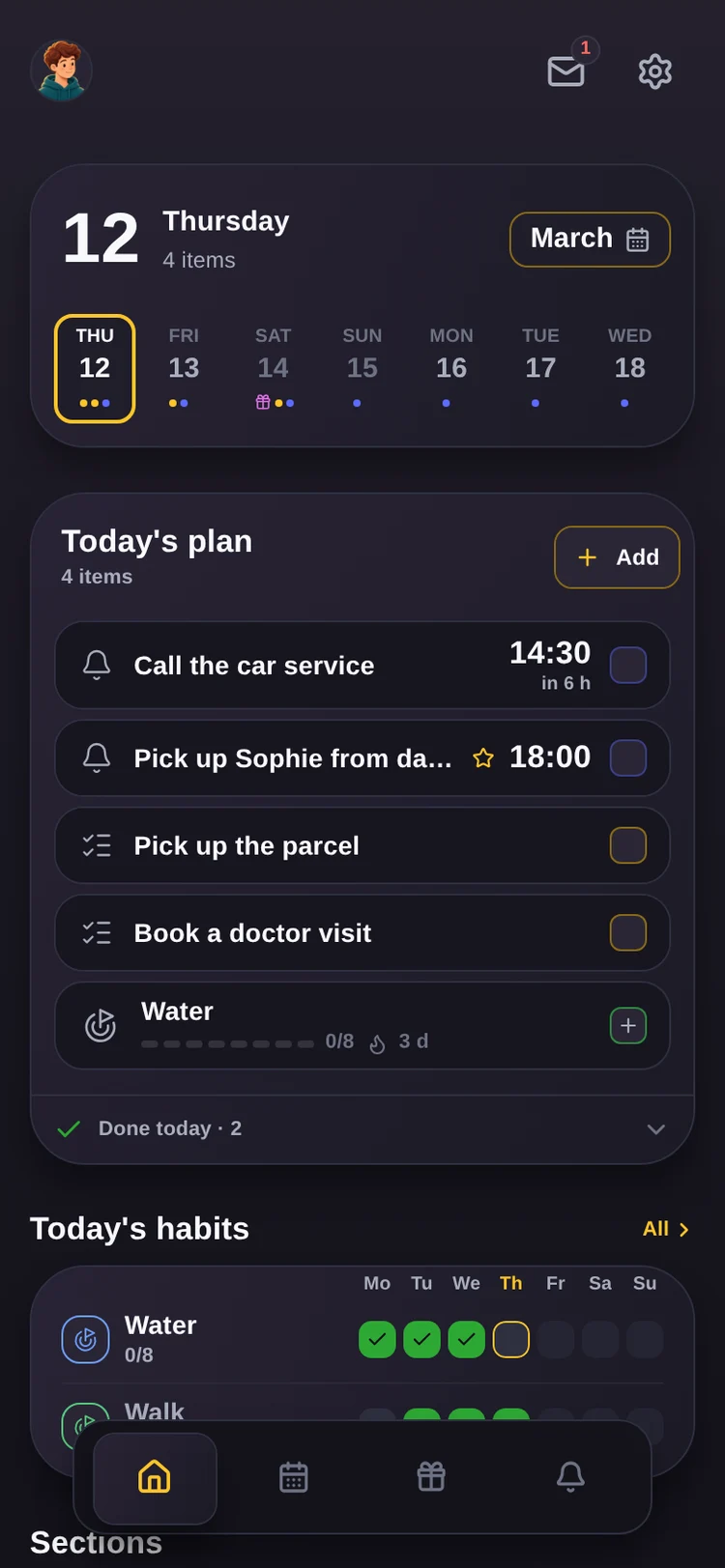
Open today’s to-do list. Give a phone call a time and make a packing checklist for a trip. Check off your tickets, charger and documents as you go.
Find a free day
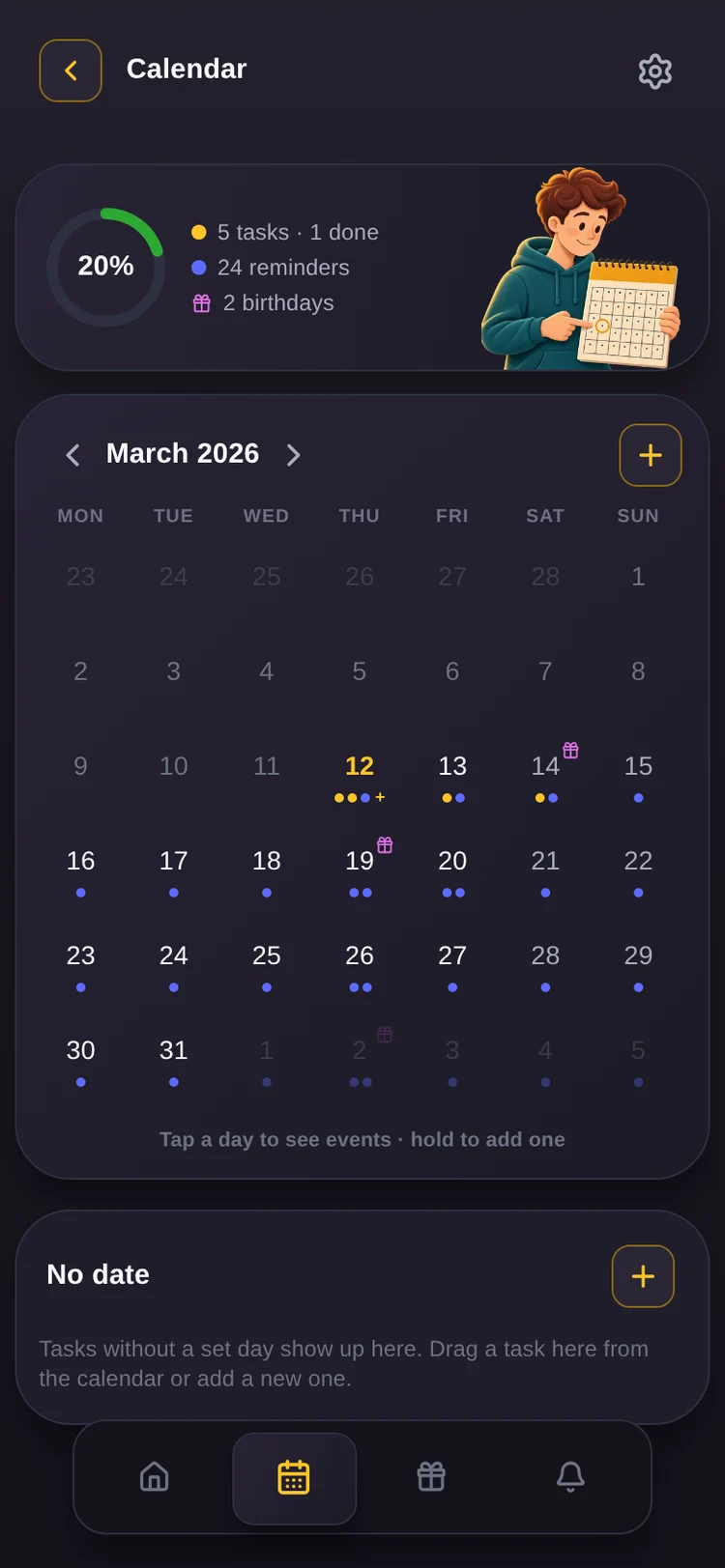
Before you agree to a meeting, check the month view. Dots mark dates with plans. Open a day to see what’s already on the calendar.
Remember to buy a gift
Enter a name and date in the birthday card. Under “When to remind,” choose two alerts: one a week before and one on the birthday. The first leaves time to buy a gift; the second reminds you to call. You can save a gift idea in the same card.
Make a birthday calendar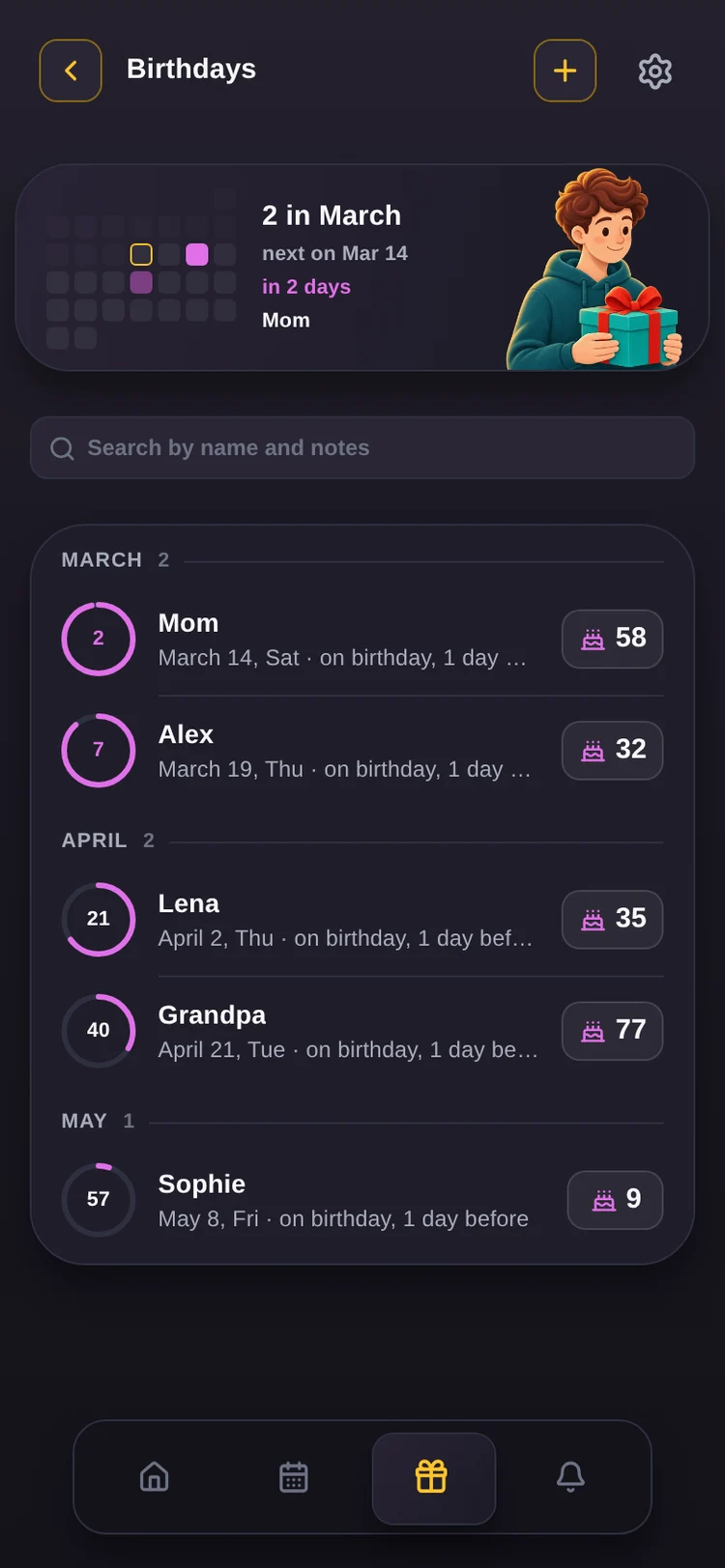
Build a habit
For a weekday walk, check it off after lunch. For water, choose a counter and log each glass. The habit tracker shows how many days in a row you’ve kept it up.
Try the habit tracker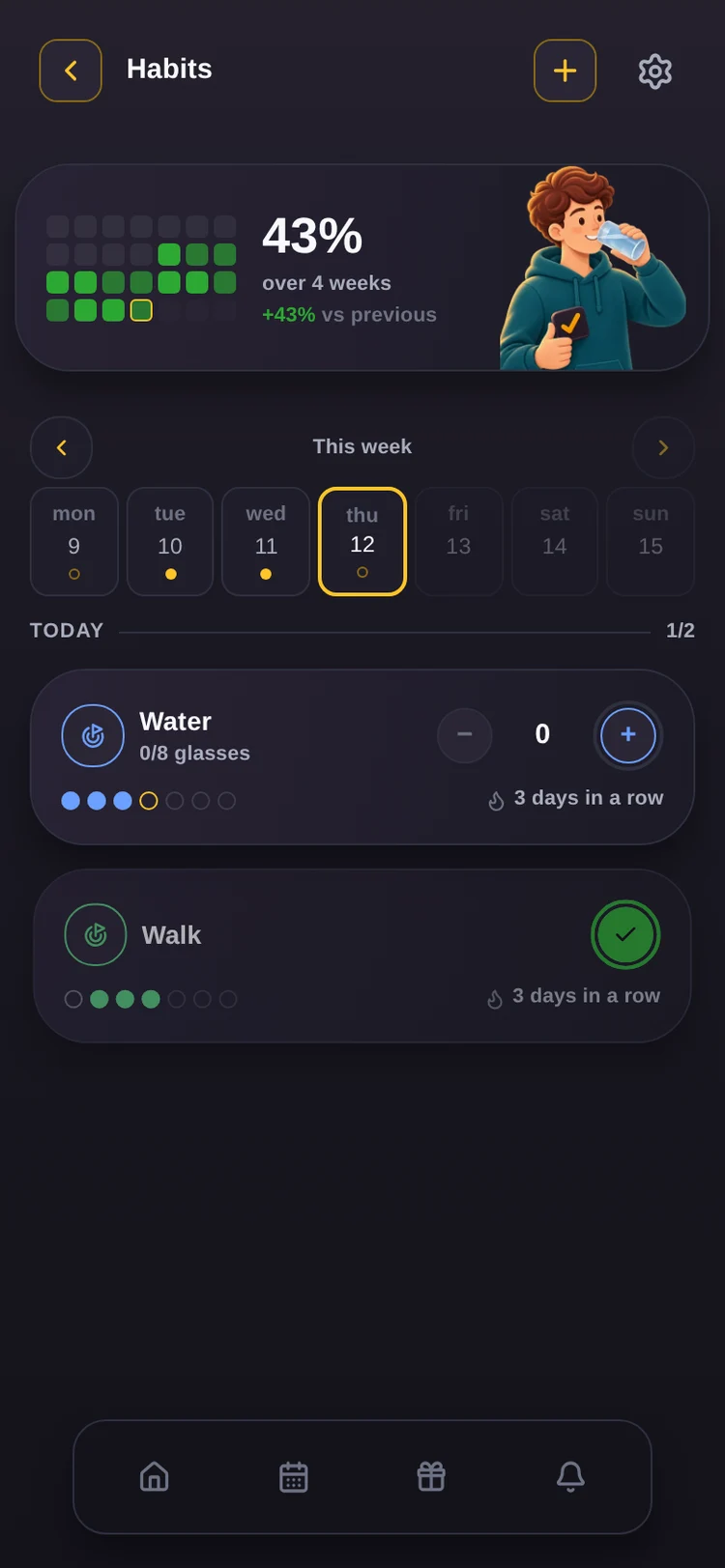
Save a shopping list
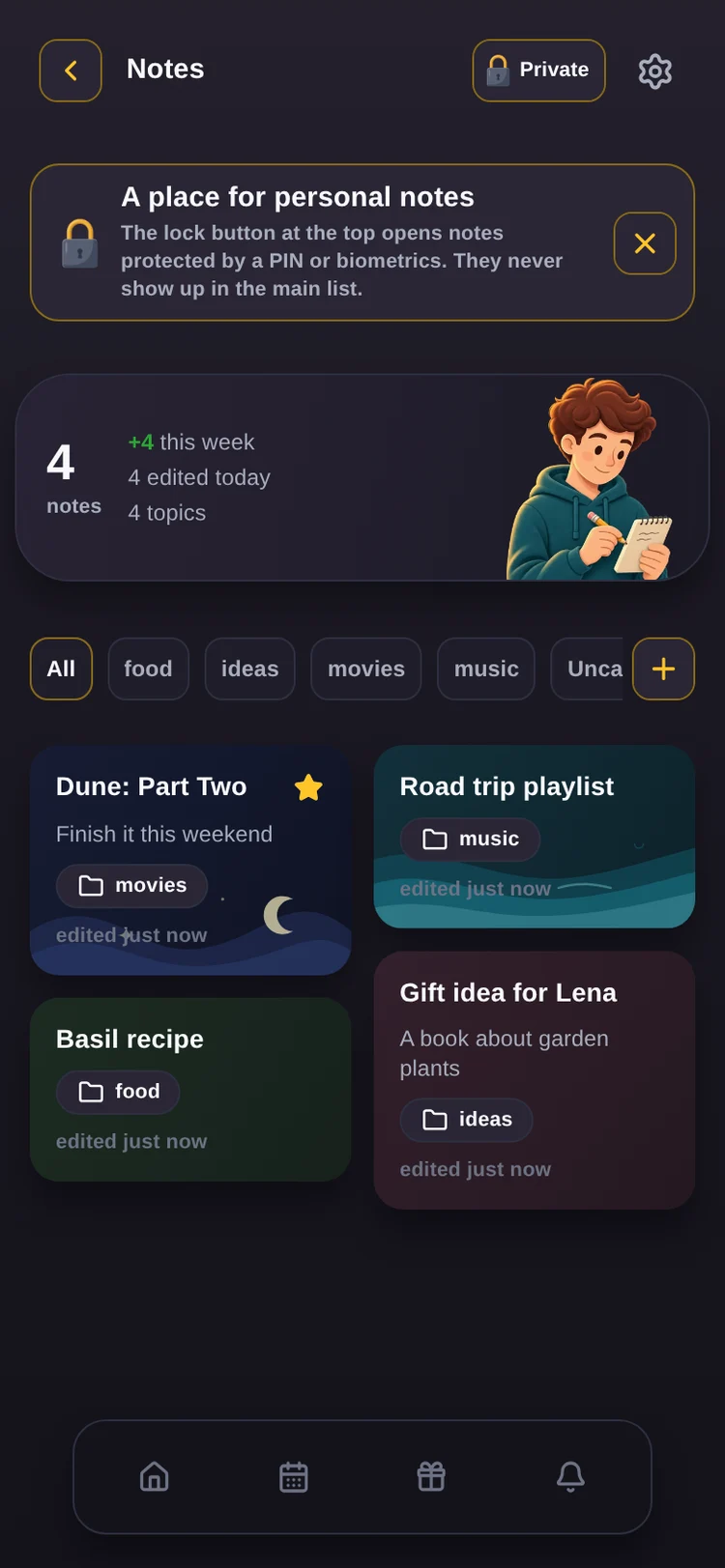
Tick items off your shopping list as you move through the store. Attach a photo to a recipe or record a voice note when an idea strikes. Personal entries can go in a private section protected by a PIN.
Questions about KIPRI
KIPRI guidesWhich phones support KIPRI?
KIPRI is available on RuStore for Android 7.0 and later. Open the KIPRI Assistant listing on your phone to check compatibility and install the app.
Do I need an account to manage tasks offline?
On a new device, open the installed KIPRI app while offline. Enter your email on the sign-in screen and tap “Start without an account”. Tasks, notes, habits and birthdays stay on that phone. The address lets you move those entries to your account if you decide to sign in later.
How can I set a voice reminder offline?
Allow KIPRI to use your microphone. For the Russian commands shown in the video, Android needs to support offline Russian recognition and have the Russian language pack installed. Check Android’s speech recognition settings. You can also type the reminder.
Set up Russian speech recognition and try dictation in airplane modeWhat should I check if a reminder arrives late?
Set a test reminder for a couple of minutes from now, then lock the phone. If it comes late, check notification permissions, quiet hours and background restrictions. On Android 12 and later, also check whether the app can schedule exact alarms.
Check exact reminders on AndroidHow much does KIPRI cost? Does it have ads?
KIPRI is free to download from RuStore. The to-do list, voice input, calendar, habits and notes are free to use. There are no ads.
Android 7.0 and later
What would you like to remember?
Install KIPRI and add something you want to remember tomorrow.