
VK notifications aren't arriving on Android
Likes and comments show up, but your phone stays quiet about direct messages. Start by finding out which app is supposed to deliver the alert.

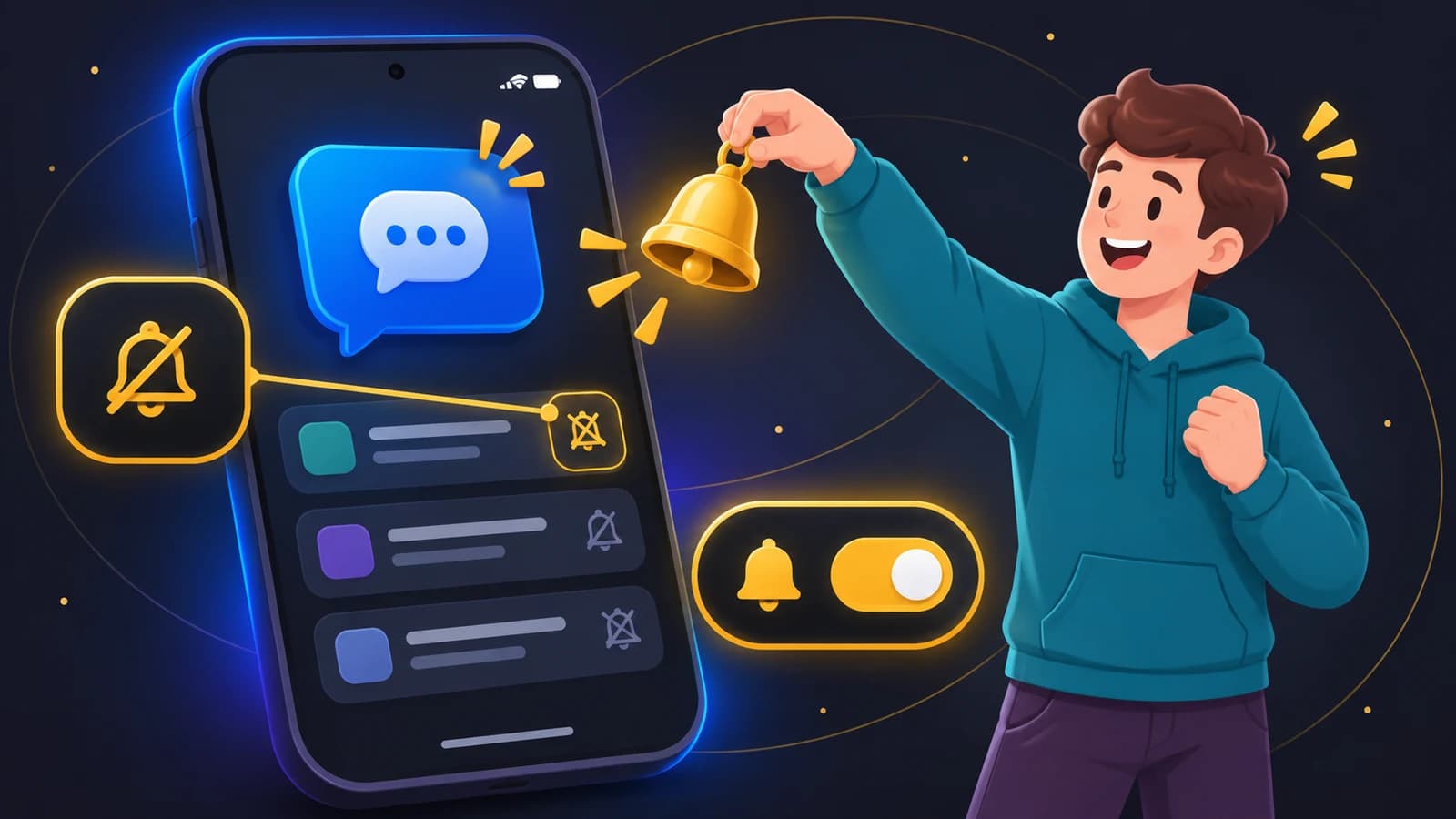
Where messages go when both apps are installed
When you're signed in to VK Messenger, it shows new message notifications for that account by default. After a test message, open the shade and look for the app name above the notification. If you use several profiles, first check that the sender wrote to the intended one.
To receive messages in the main VK app, sign out of that profile in VK Messenger. If you use multiple accounts there, switch to the account you want to keep in Messenger, select the other profile and choose Hide account. Check that the main VK app has the right profile open and permission to send notifications.
A VK card shows a comment on a photo, while a VK Messenger card shows a message from a friend. In this case, check the sound for direct messages in VK Messenger.
When only one conversation is silent
Ask a group member to send an ordinary message and compare it with a direct message. If you hear the direct message, open the quiet group, tap its name and check its notification settings. Look for a temporary mute you may have set for work or overnight.
If several groups are silent but you can hear direct messages, see whether the app has a separate group-message notification setting. Ask someone to send a regular message without mentioning you by name.
When you get no notifications from any chat
Open the app info for the app you expect to alert you. Under Notifications, check the main permission and the message category, if there is one. If the card arrives silently, touch and hold it to check whether it's set to silent.
If messages appear only after you open VK, check that the app can run in the background. Compare Wi-Fi and mobile data, opening the notification shade before the conversation each time.
Check that new messages make a sound again
Ask the same person to send a fresh message with different text. Lock the screen and check that a new card from the expected app appears in the shade. If background delays persist, record the phone model, app version, network type and approximate delay for VK support.
Sometimes messages arrive normally but an unread number stays on the chat tab. In that case, look for an unread conversation and check exactly where the count is stuck.