
Why Android notifications aren't arriving
A message has been on your phone all day, but you only see it in the evening. A short test can narrow it down to sound, permissions or background delivery.

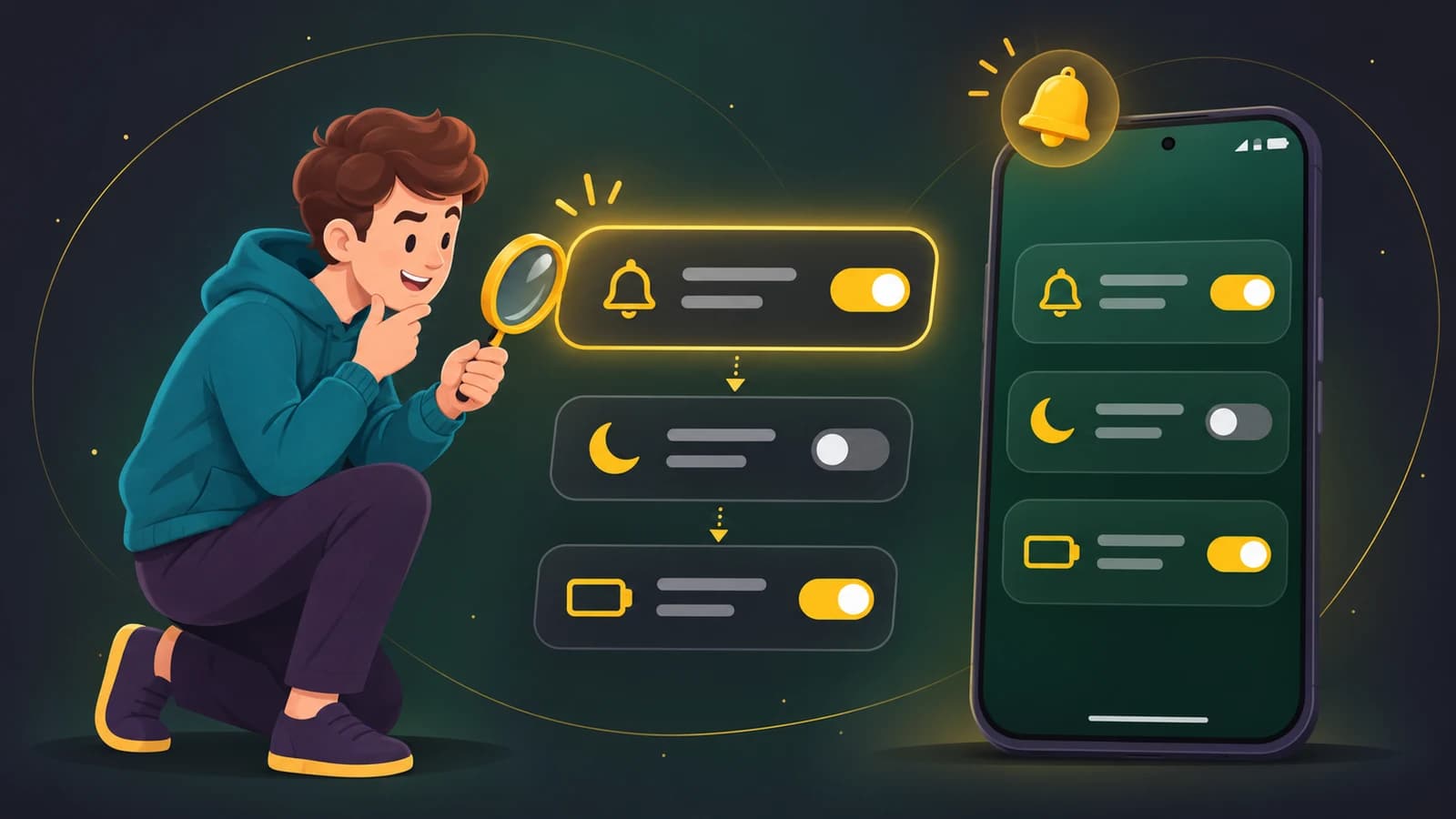
Find out where the alert went missing
Leave the phone with its screen off for a few minutes and ask someone to send an ordinary message that should make a sound. For a to-do app, set a reminder a few minutes ahead. When it's due, open the notification shade before you open the app.
- The card appeared on time. Check the sound, pop-up banner and lock-screen visibility.
- The shade is empty, but the message is waiting in the app. Check permission for this type of notification and make sure it is turned on in the app's own settings.
- Messages arrive in a batch as soon as you open the app. Try another network, then test again after lifting the app's background restriction.
If a work chat notification appeared in the shade at 2:02 p.m. and the phone made no sound, the message was delivered. Start with that chat's settings and the sound for its notification category.
Turn on notifications and check the sound
Touch and hold the app icon, open its app info and choose Notifications. Check the main switch. If categories are listed below it, look for the relevant one, such as incoming messages. If there's already a card in the shade, touch and hold it to open the settings for that specific type of alert.
If you can hear the alert but only see it after unlocking, find the lock-screen notification settings in Android. If the phone regularly goes quiet at the same time, check notification volume and the Do Not Disturb schedule. You can turn Do Not Disturb off for one test, then restore the schedule.
When messages only arrive after you open the app
Repeat the test once on Wi-Fi and once on mobile data. If the delay happens only on mobile data, check that the app can use background data and that Data Saver allows it.
On a Samsung Galaxy, look under Battery for background usage limits. If the app is listed under Deep sleeping apps, remove it and test again. On a Xiaomi 14T running HyperOS, background autostart is listed under app permissions. On other models, try searching Settings for the term.
Check whether the change helped
Change one setting at a time and repeat your original test. If the delay occurred after ten minutes with the phone idle, leave it idle for the same length of time. If it still happens, record the phone model, Android version, time sent and time the card appeared. This helps support reproduce it.
If messages arrive normally and only a local reminder set for a specific minute is late, check the app's access to exact alarms.